Live example
Antalya Connect
On the App Store and Google Play; the city website is antalyaconnect.com
10 provinces taken · 69 still available
A turnkey platform installed separately for each province: 32 modules including local news, the pharmacy on duty, food ordering and a social feed; ready with iOS, Android, a website, a city management panel and a business panel. It launches under your name, your logo and your domain.
Only one installation per province — first come, first served.
 Live exampleAntalya ConnectLive on the App Store and Google Play
City apps built on this platform
What is a city app?
A city app brings a province's news, services, local businesses and social feed together in one place; it is more than a city guide. Antalya Connect is a live example built on this platform, on the App Store and Google Play. You get the same app for your own city; it launches under your name, your logo and your domain.
Live example
On the App Store and Google Play; the city website is antalyaconnect.com
Up next
Under your own name, icon, colour and domain
The platform can be set up for any of the 81 provinces; each province gets one installation only.
The app name, icon, logo, main colour and domain are yours.
App Store, Google Play and the website, together with the city management panel and the business panel.
The app
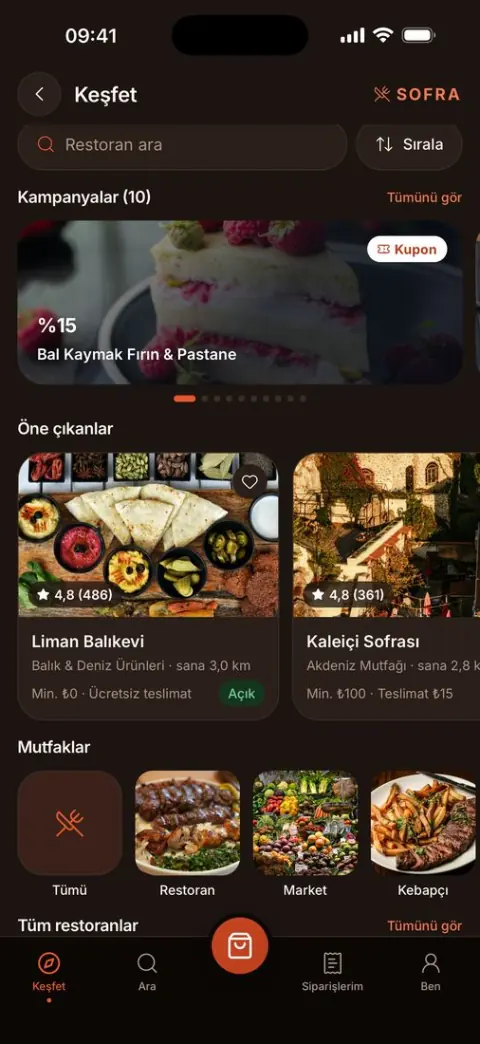
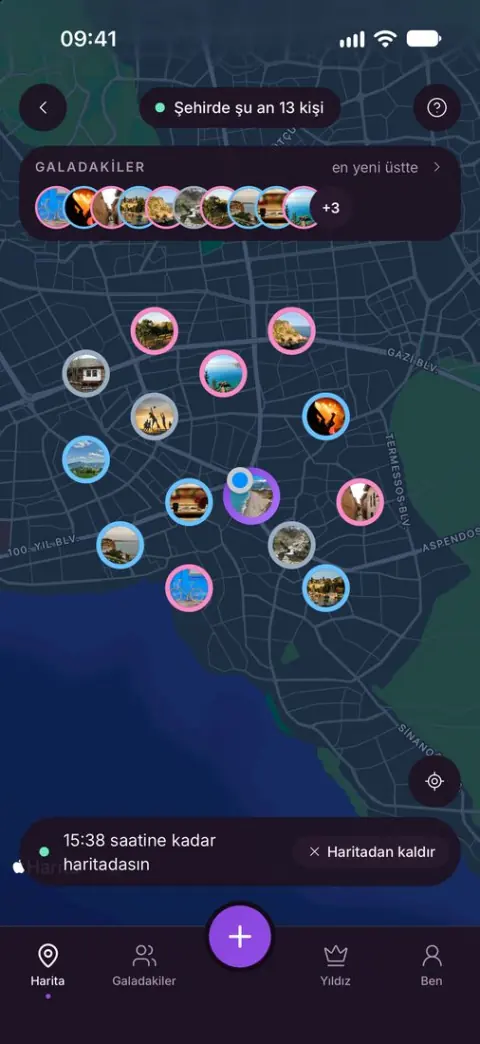
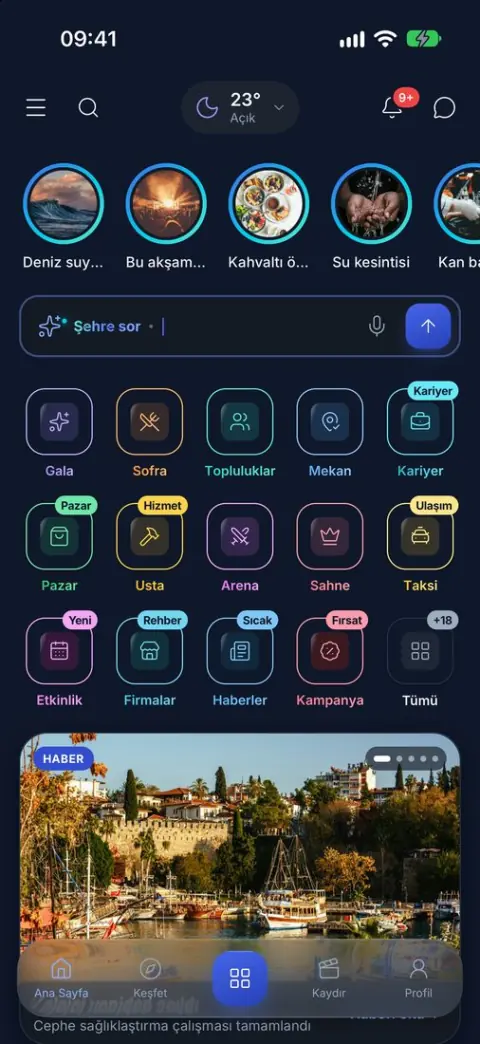
Screens from the live example, Antalya Connect. In your city the same app opens under your name.
Home
Sofra
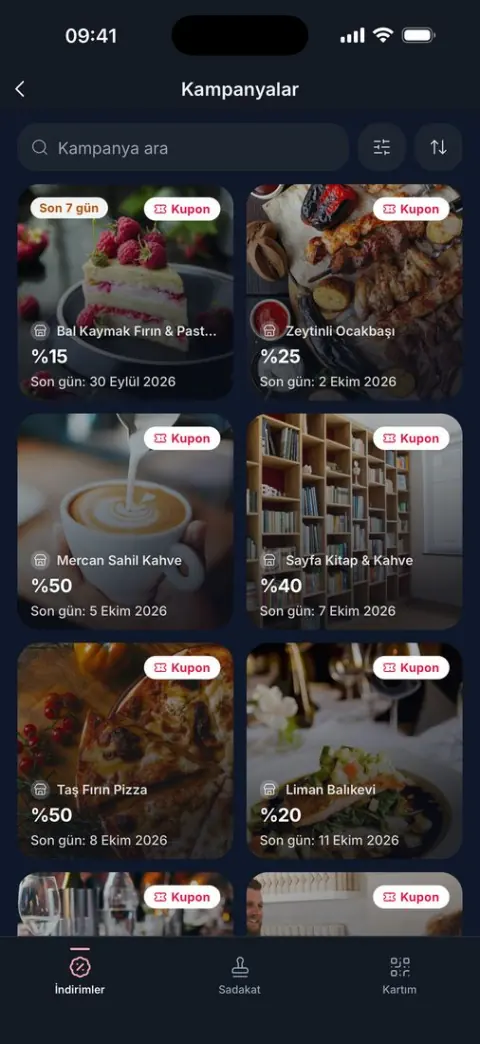
Campaigns
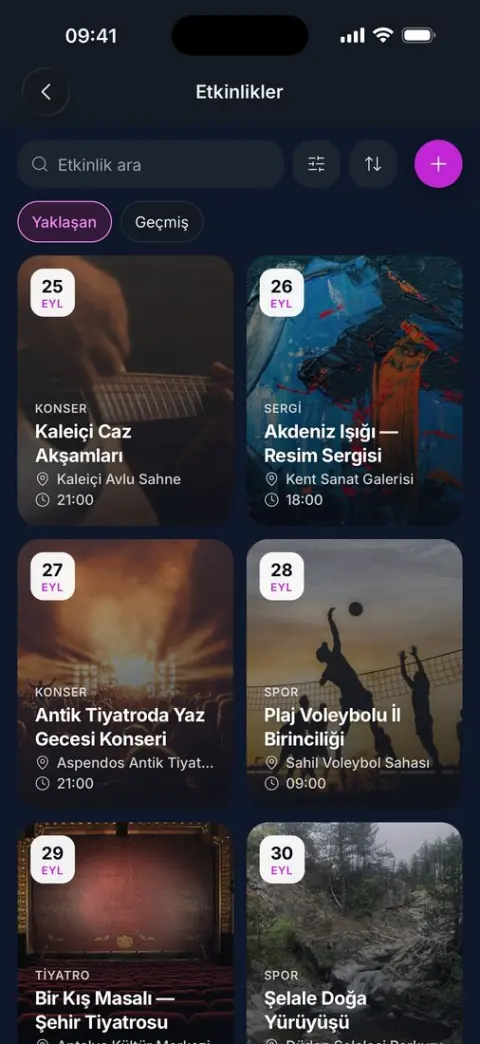
Events
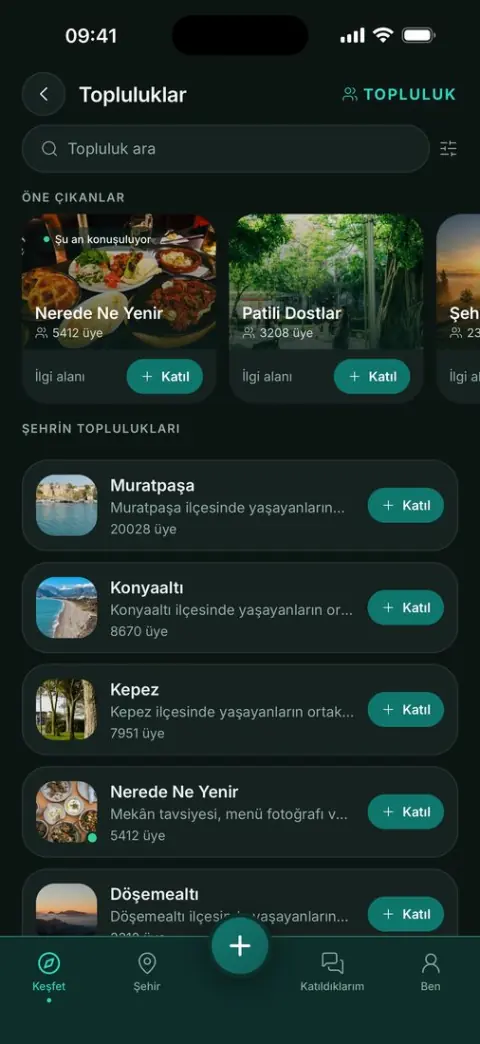
Communities
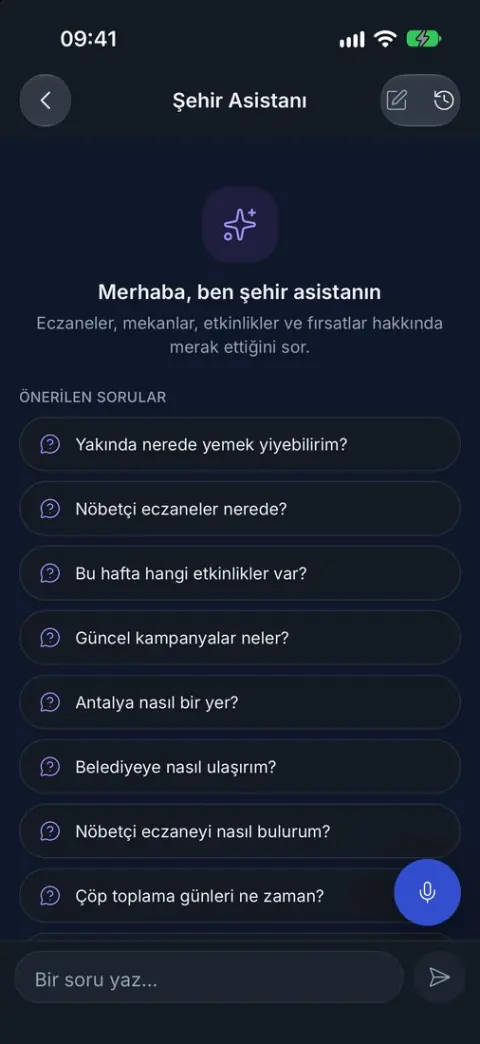
City Assistant
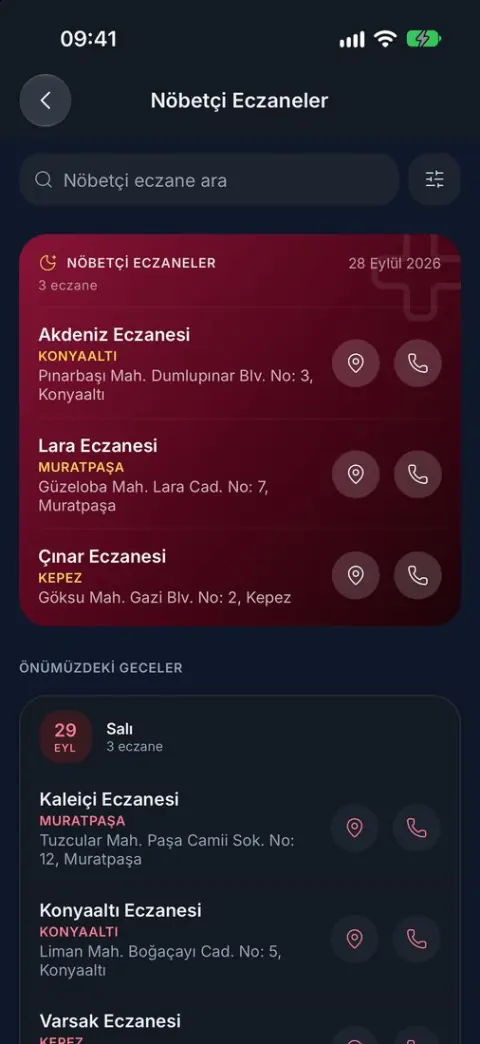
On-Duty Pharmacies
Gala
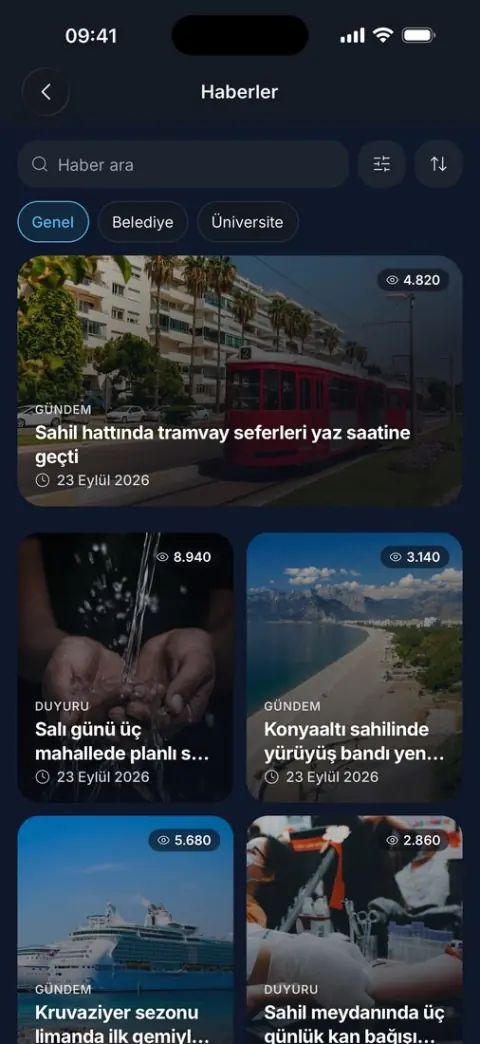
News
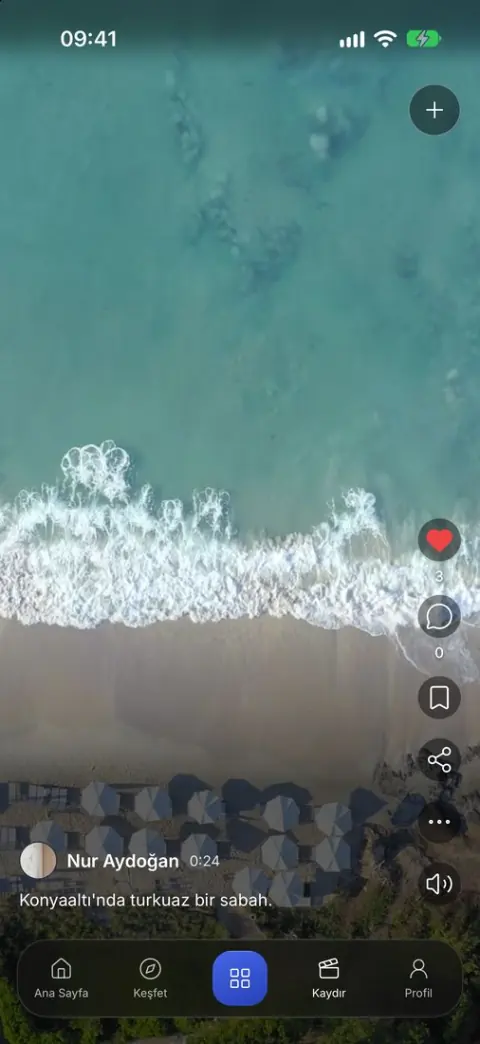
Swipe
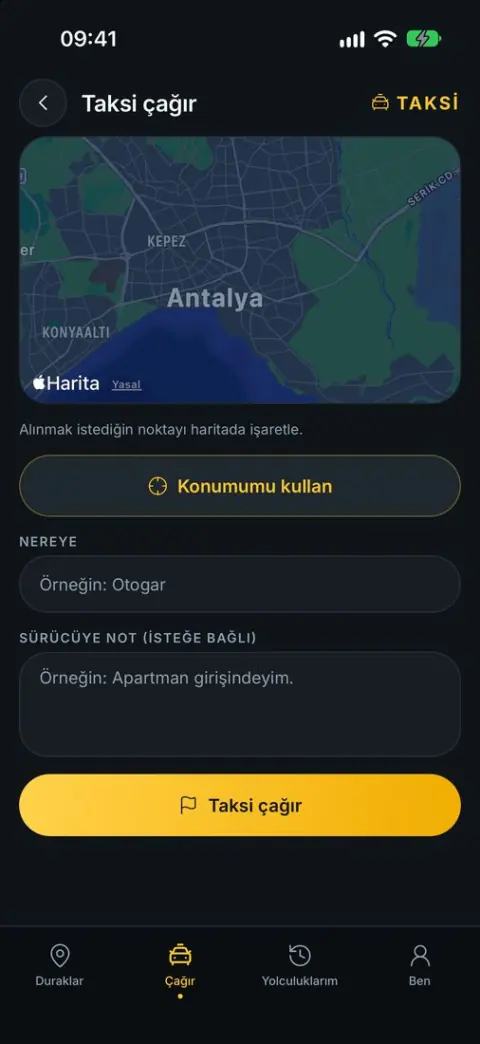
Taxi
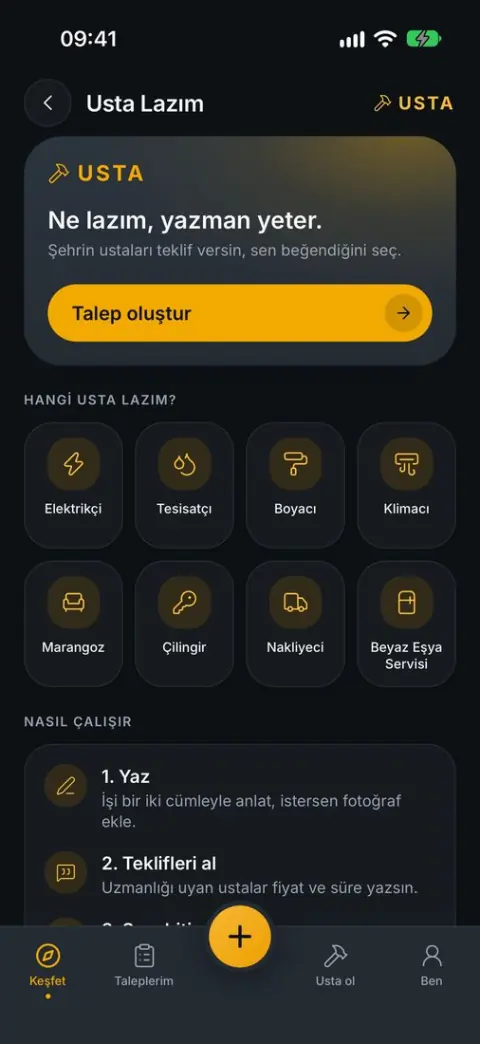
Usta
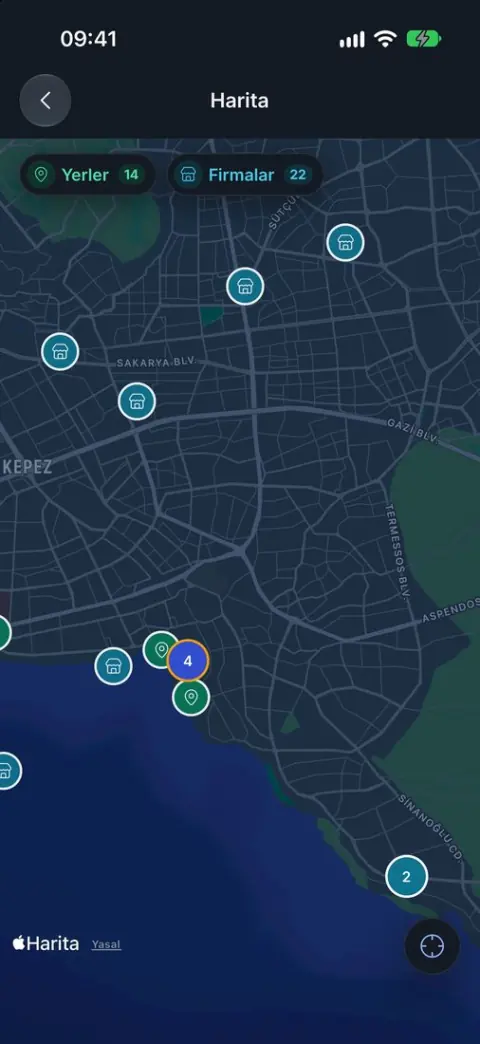
Map
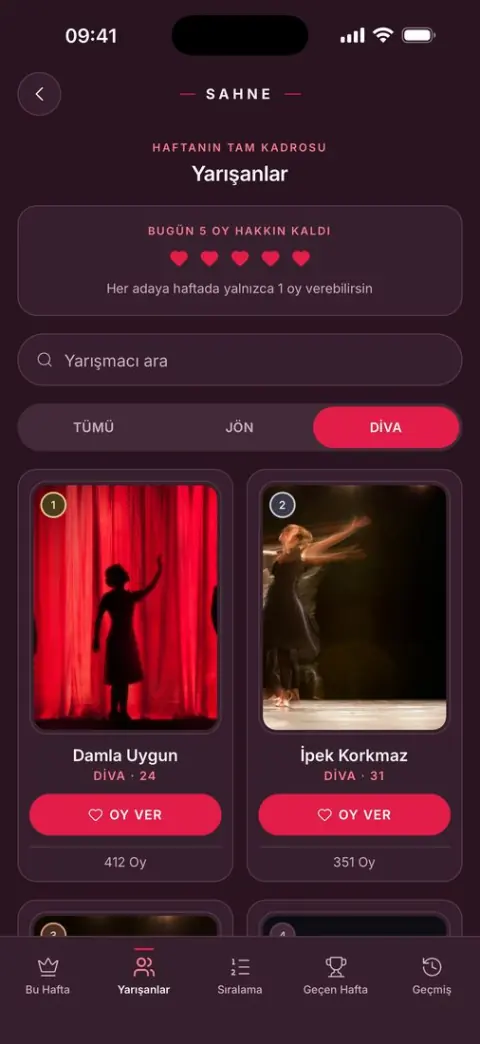
Sahne
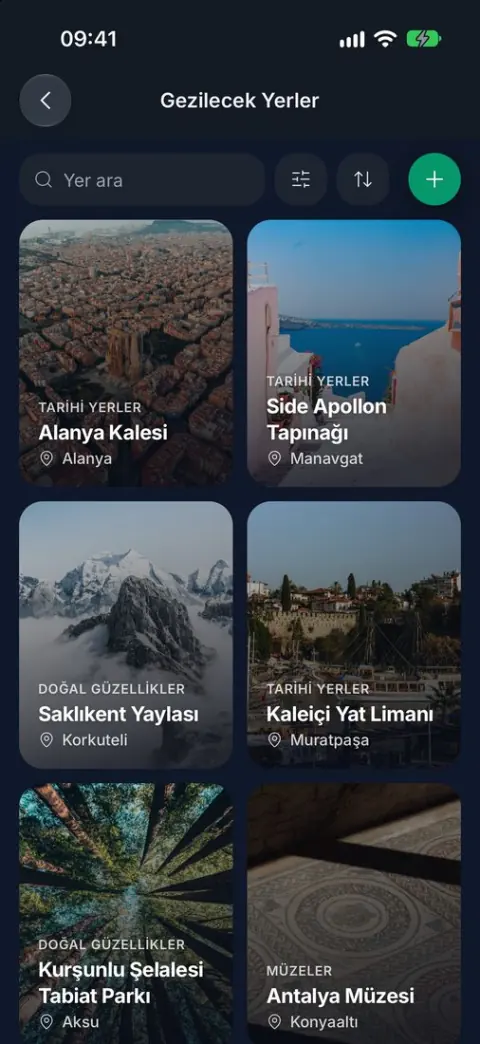
Places to Visit
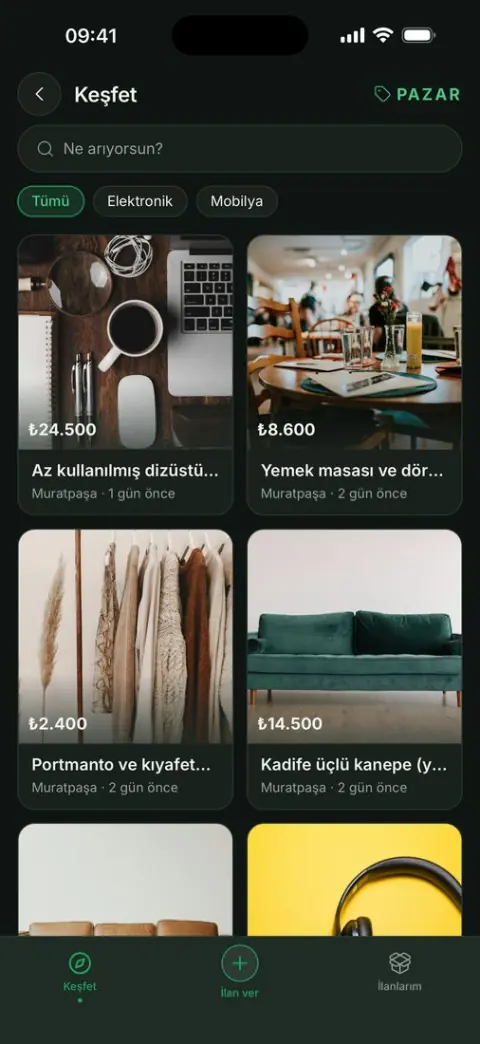
Pazar
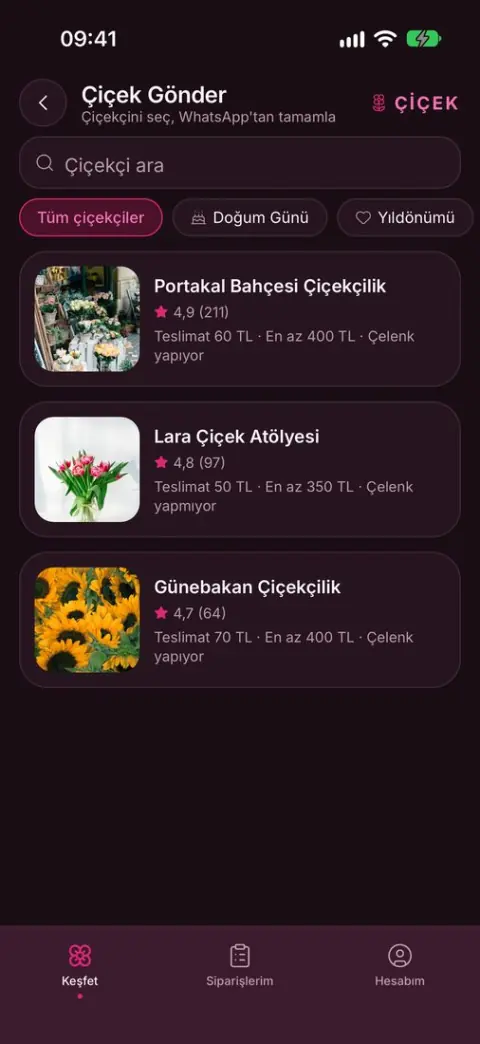
Çiçek
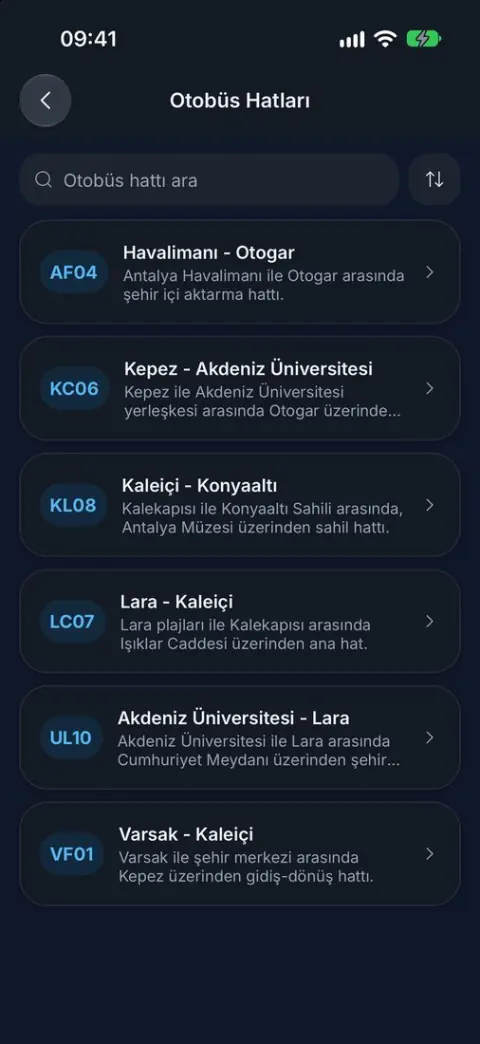
Bus Routes
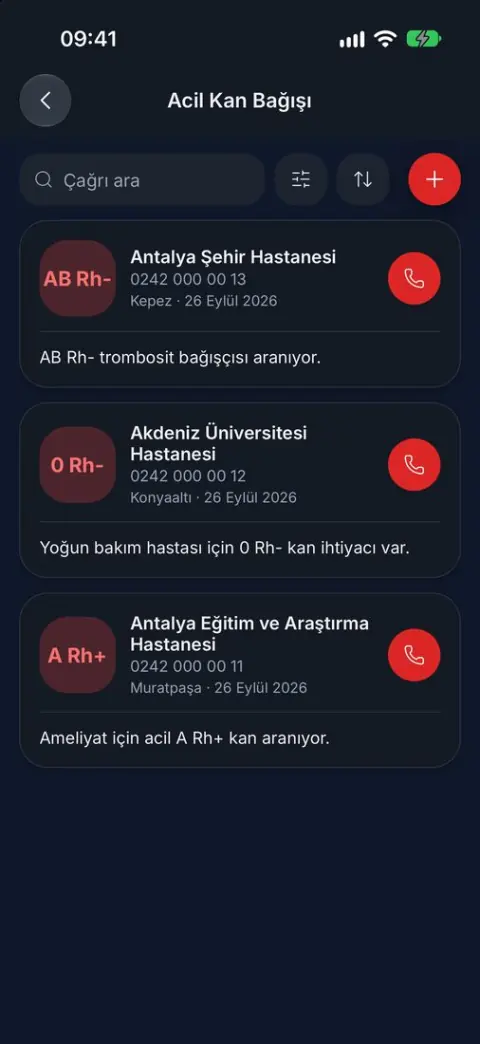
Emergency Blood Donation
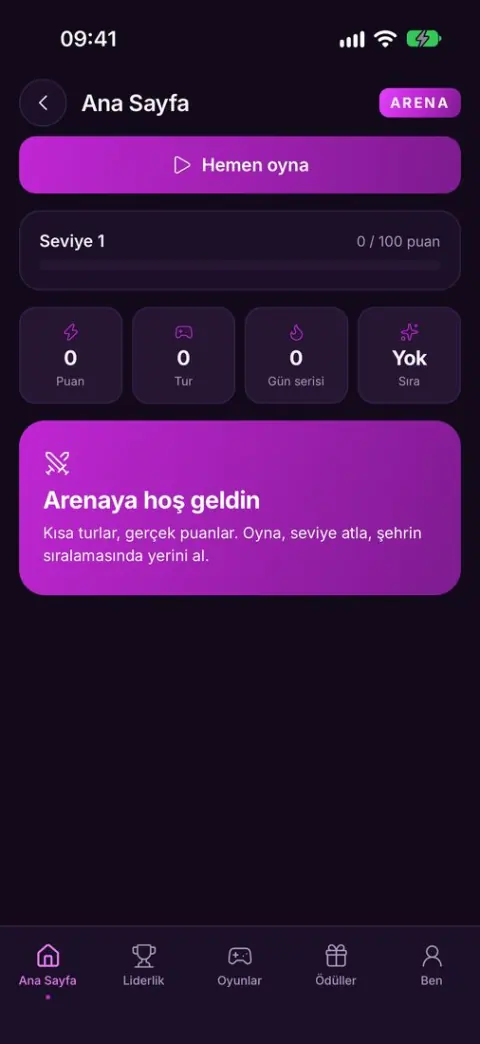
Arena
Home, Discover, Sections, Map or Swipe, and Profile.
14 module shortcuts, a story rail and a banner carousel, all arranged from the panel.
System, light or dark; Turkish or English.
Search, sorting and district filters across module lists.
32
modules, switched on, off, reordered and renamed from the panel
3
platforms: iOS, Android and the web
3
management surfaces: city panel, web business panel, in-app business panel
15
modules with search-engine-ready web pages
2
languages, Turkish and English, in light and dark themes
1
installation: one city app per province, no more
Modules
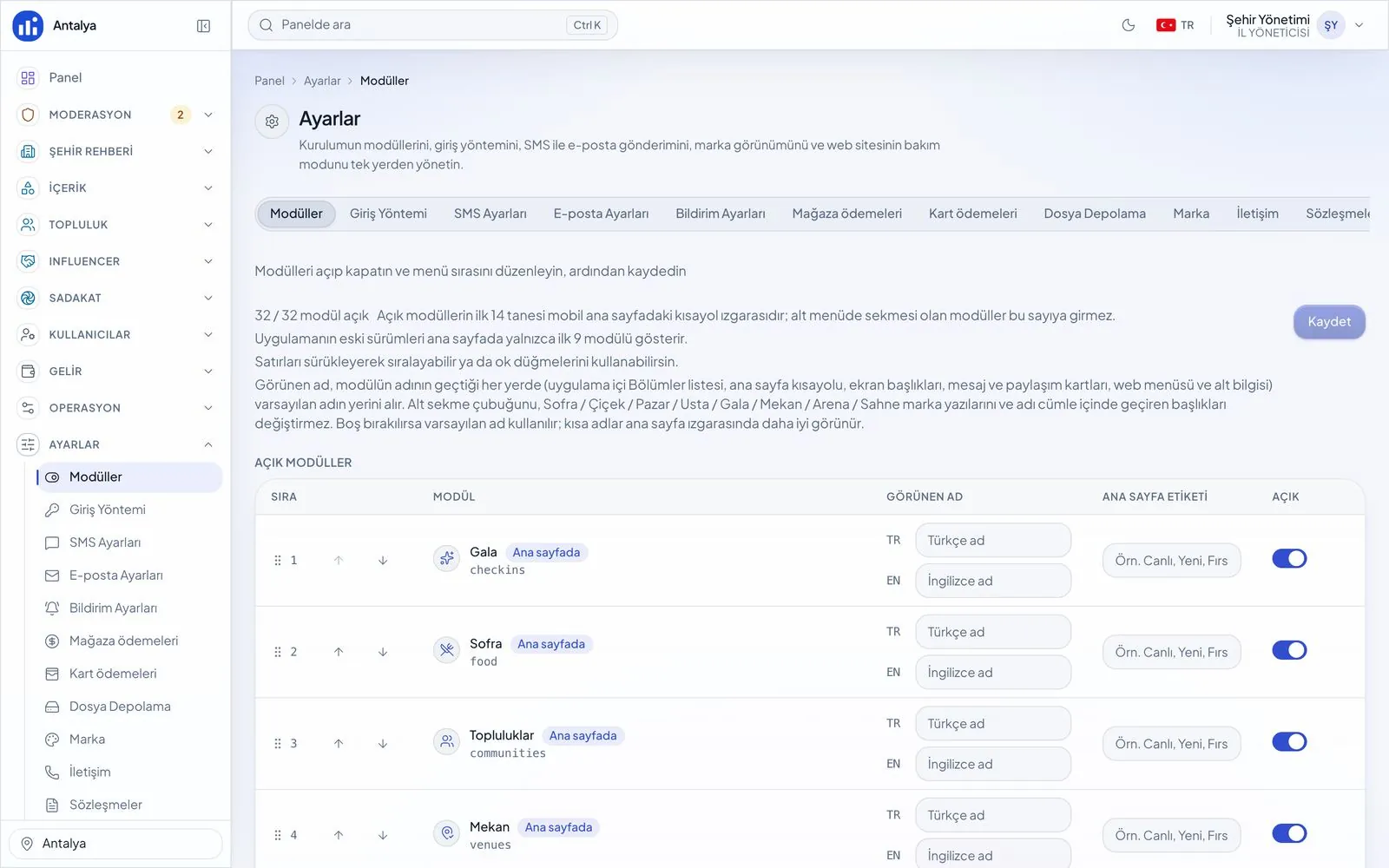
Every module is switched on, off, reordered and renamed from the panel. A module that is off disappears from the app, the website and the API together.
Panels
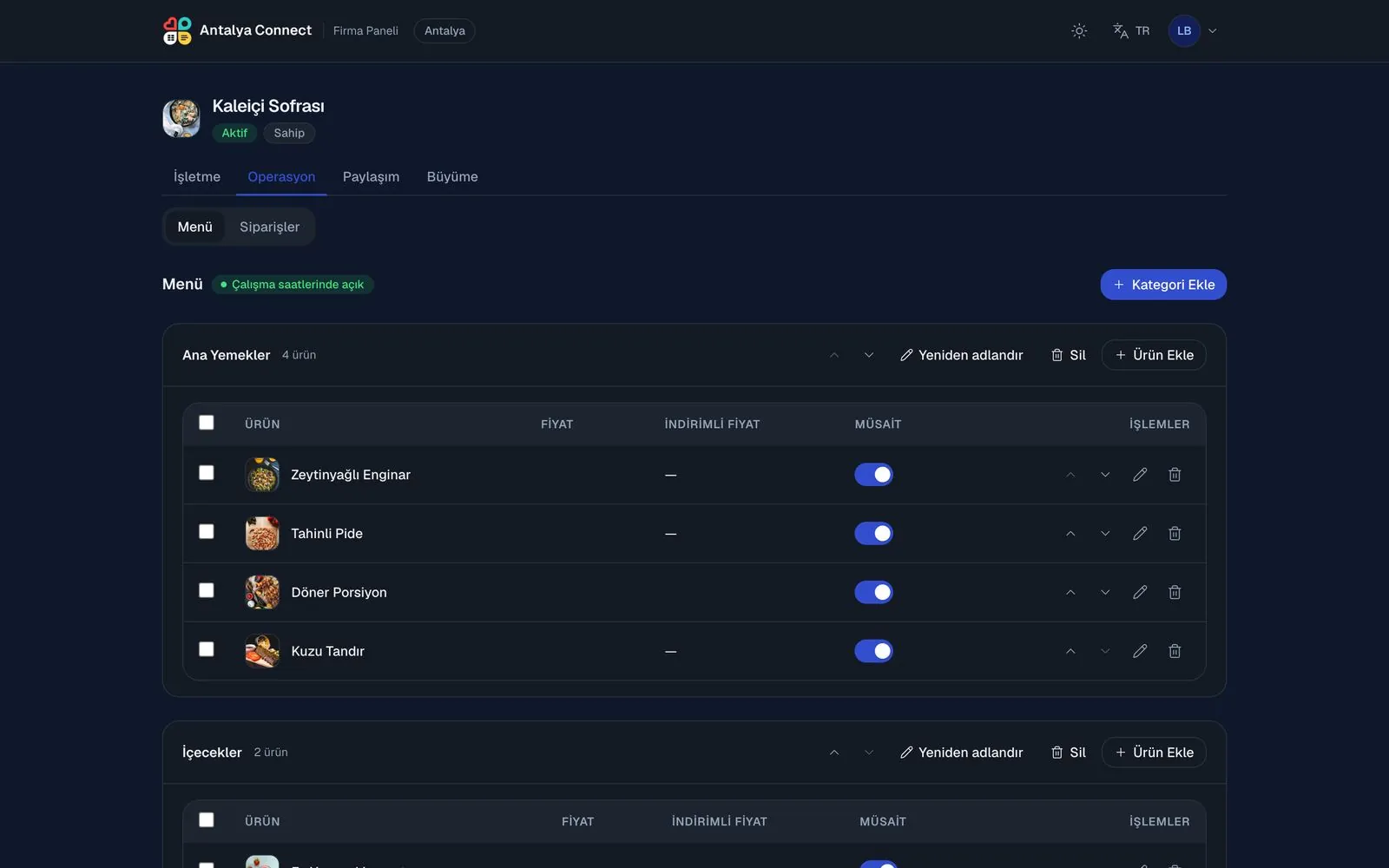
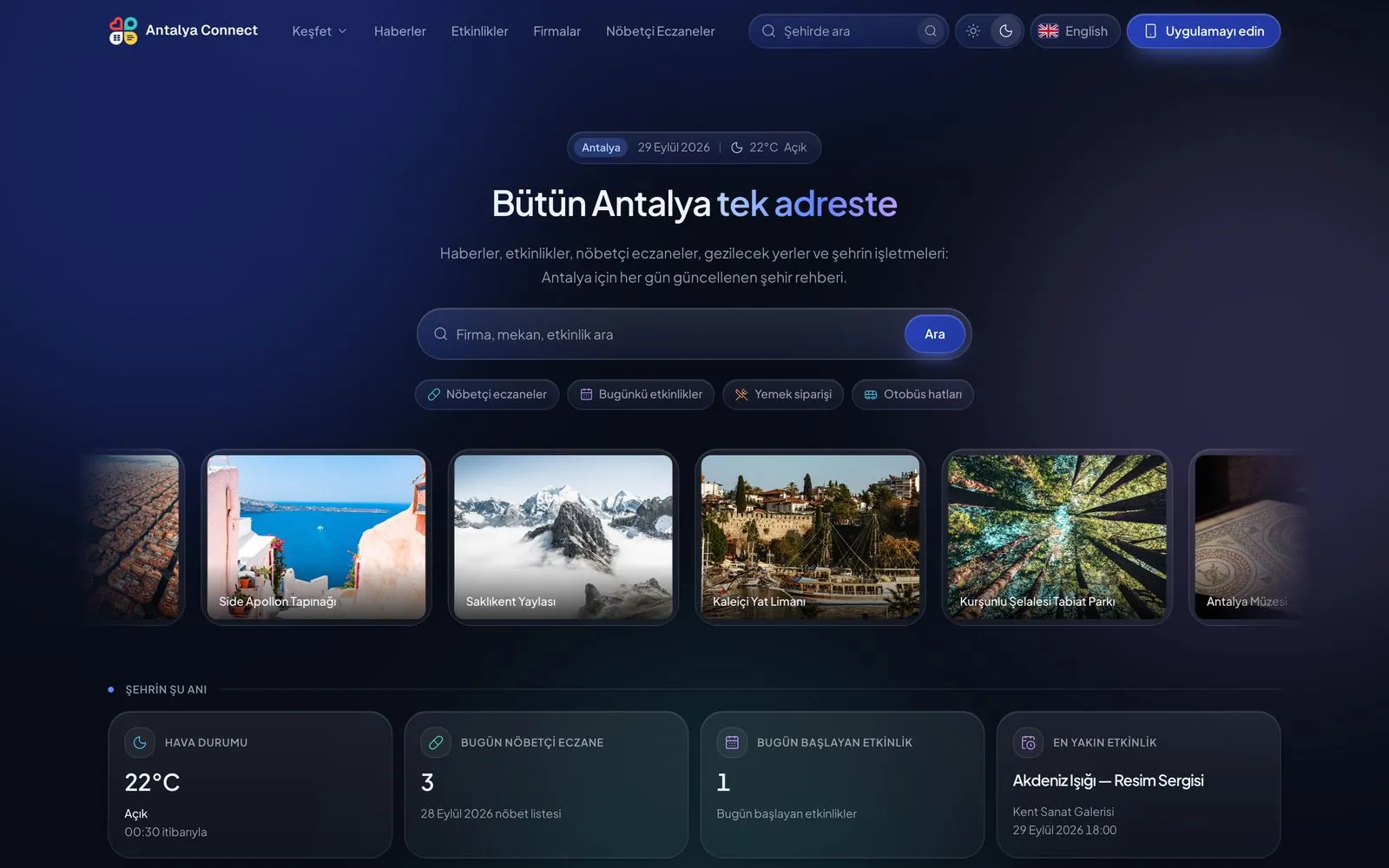
Alongside the app come the city's own website, a city management panel and a business panel. All of them in Turkish and English, light and dark.
Revenue model
There are two kinds of customers: the city's businesses and its residents. Everything for sale sits in one catalogue, and each city sets its own prices.
Weekly, monthly or yearly. A business with a package is live in the directory, on the map and in search.
A top spot for 7 or 30 days; paid days are not spent while waiting in the queue.
An ad-labelled slot on the home screen's story rail, with impressions and taps measured.
A wide banner in the home carousel, for openings and special days.
A one-off sponsored notification to the whole city, leading to a business page or a campaign.
A paid visibility badge for residents, and the key to bidding on handyman jobs.
A personal subscription for adults: unlimited person cards, longer posts and a crown.
A contract-based commission between a content creator and a business.
Why one installation per city?
One code base, but every city is its own installation: servers, data and accounts are never shared between cities.
The app name, icon, launch screen and colour are yours. Your own listing on the App Store and Google Play; links carry your own domain.
A separate server, database and media store. Accounts, messages and the feed stay inside that city's installation.
Automatic TLS, a moderation pipeline, an age gate and privacy-law templates. No third-party ad network and no analytics trackers.
Cities
Once a province is sold it shows as taken on the map and never goes on sale again. A district installation takes its province's place too.
Setup process
No new code is written; a new installation is opened.
App name, icon, colour, bundle id and the data controller's details.
Apple, Google Play, Firebase and a maps key.
Server, domain and DNS; the province, its districts, 32 modules and categories.
News, events, places to visit, institutions, bus lines and the pharmacy roster.
Inviting the first businesses, packages and campaigns.
Store builds, review and a staged opening.
Frequently asked
A city app that brings a province's news, services and local businesses together with social features in one app. On this platform, 32 modules such as news, events, the pharmacy on duty, bus lines, food ordering and a business directory sit under a social layer of follows, messaging, stories and a video feed. It comes with iOS, Android, a website, a city management panel and a business panel, and launches under your name.
You do not have to commission an app from scratch: the ready platform is set up under your name, your logo and your domain. First check whether your city is available, then fill in the form; we reserve your city and come back to you with an offer. What is expected from you (domain and DNS access, Apple and Google developer accounts, app name, icon and logo, KVKK texts, local content) is listed in the setup process section.
Yes. Each province gets only one installation, so whoever reserves first takes it; that can be a municipality or public body, an entrepreneur, a media company or an agency. The app launches under the buyer's own name, logo and domain, from their own store accounts.
Yes. The city app can be published under the municipality's name, logo and domain. News and announcements, events, pharmacies on duty, public institutions, bus lines, polls, lost and found notices and traffic reports serve the municipality's communication with residents. E-government transactions such as tax and bill payments are not part of this platform.
No. Each province gets exactly one installation; once a province is sold it shows as taken on the map. A district installation takes its province's place as well, so no second app opens in that province.
Yours. The app name, icon, logo, main colour and domain are yours, and it is published on the App Store and Google Play under your own developer account.
Yes. Each of the 32 modules is switched on and off with a single toggle in the panel; modules can be reordered and their display names changed separately in Turkish and English. A module that is off leaves the app, the website, the sitemap and the API together.
In the city's own installation. Every city runs on its own server, database and media store; accounts, messages and the feed are never shared with another city.
The business listing package, Boost, home screen stories and banners, push notifications, the Blue Tick and the Gala Star are ready-made products. They are sold through in-app purchases or by card in the web business panel, and you set the prices.
No new code is written; a new installation is opened. The timeline is mostly set by preparing the store accounts and by Apple's and Google's review processes.
Yes. The platform supports district installations: the app covers only that district and its areas come down to neighbourhood level. Çorlu and Lüleburgaz were set up this way. Because a district installation takes its province's place, no separate province installation is made there.
From one code base to every city. When a new feature ships, your city's app is updated with a new store release.
The price depends on the city and the scope. Fill in the form; we will reserve your city and get back to you with an offer and the project details.
Yes. Antalya Connect is a city app built on this platform and live on the App Store and Google Play; you can browse the city's website at antalyaconnect.com.
Reserve your city
Fill in the form; we will reserve your city and get back to you with an offer and the project details. With one installation per province, requests are handled in the order they arrive.
Live exampleAntalya Connect